
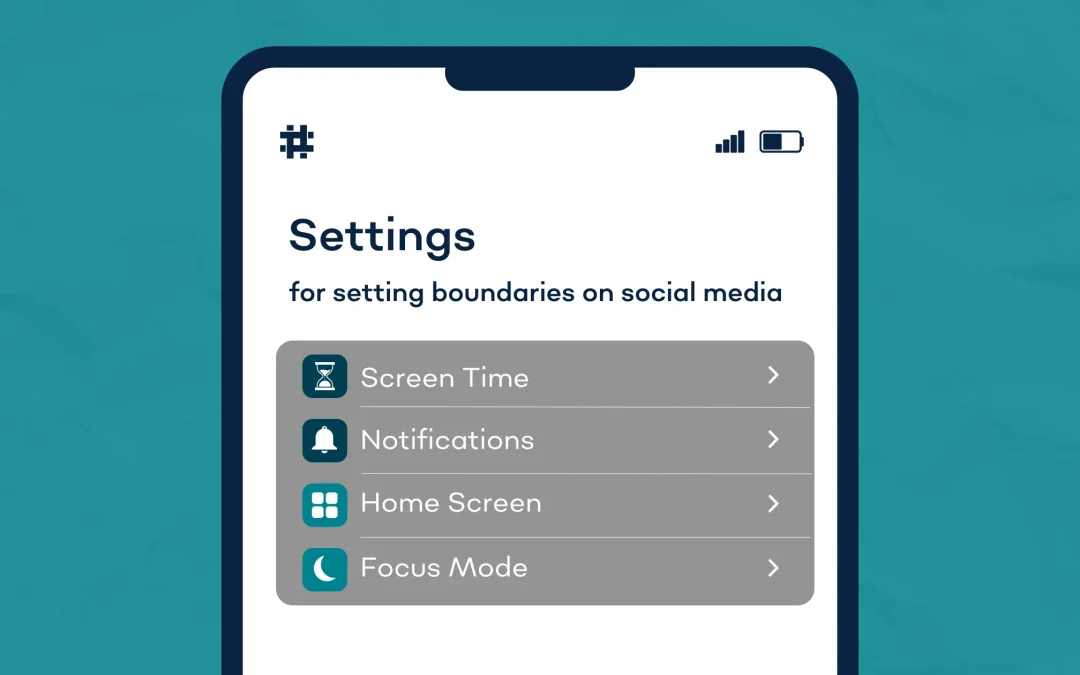
If you feel like it's easy to get distracted by social media, you’re not alone! According to Pew Research Center, almost half of teens say they’re online almost constantly and more than one third think they spend too much time on social media.
Social media can be a powerful tool for connection, but it can also take a toll on your mental health. It’s easy to get caught up in the constant stream of notifications, updates and comparisons. While social media can help you stay connected, it’s important to set boundaries to protect your mental well-being. Here are some practical tips for managing your social media use in a way that supports your mental health.
1. Limit Screen Time
If you often find yourself mindlessly scrolling (we all do it!), one of the most effective ways to create boundaries with social media is to set time limits on how long you spend on each platform. Try using the screen time feature on your phone to set daily limits for social media apps. For instance, you can set a limit of 30 minutes per day on Instagram or TikTok. Once you hit your limit, take it as a signal to step away. Reducing screen time can help you reclaim valuable time for self-care, hobbies and face-to-face interactions that nurture your well-being.

2. Manage Notifications
Constant notifications can be overwhelming and distracting. Did you know you can remove notification dots from your social apps? Turning off the notification alerts for certain apps (like TikTok and Instagram) in your phone settings or within the app’s settings can help reduce the urge to check in as frequently. You don’t need to be alerted every time someone likes a post or sends a message. By managing your notification settings, you can reduce interruptions.
3. Simplify Your Home Screen
Reorganizing your apps can help you be more intentional when using your phone. Try moving apps that tend to take up most of your time to the second or third screen of your phone – or group apps that frequently distract you into a separate folder. This can help you stop opening apps on autopilot without having any real reason to use them.
4. Set Time to Focus
On most smartphones, you can turn on Focus Mode to pause distracting notifications so you can focus on whatever you’re doing off of your phone. You can even set a schedule to turn on Focus Mode automatically – like around bedtime, study times or when working.
Setting boundaries with social media isn’t about eliminating it from your life entirely – it’s about creating a balanced, intentional relationship with it. By recognizing the impact it has on your well-being, setting time limits and practicing mindfulness, you can use social media in a way that better supports your mental health.
Did you find these tips helpful? Share this with a friend who could use these tips – and give us a follow on our social channels for more mental health content and stories!
Follow Zero Reasons Why®